
ideogram4 Guide — What's New & How to Use It
Everything you need to know about ideogram4, from features to JSON prompt tips.
ideogram4 JSON prompt starter
{
  "goal": "readable poster",
  "text": "exact words only",
  "layout": "bbox zones"
}What is ideogram4?
ideogram4 is the search term many users use for Ideogram 4, the newer image model direction focused on design-heavy creation and stronger text rendering workflows.
On this site, ideogram4 means Ideogram 4. The page keeps that exact keyword visible because users search it without a space.
For most users, the key value is not only prettier images. It is the ability to describe a visual system: subject, style, text, layout, palette, and objects.
Compared with a loose natural-language prompt, a structured prompt gives the model clearer instructions about where important pieces should appear.
This makes ideogram4 useful for posters, logos, product visuals, social graphics, editorial illustration, and other image types where composition matters.
Compared with Ideogram 3.0, the practical improvement is better control for complex design briefs, especially when text, objects, and style need to work together.
Structured JSON prompts
Better text and typography control
Design-heavy image direction
More repeatable prompt workflow

Avatar prompt case
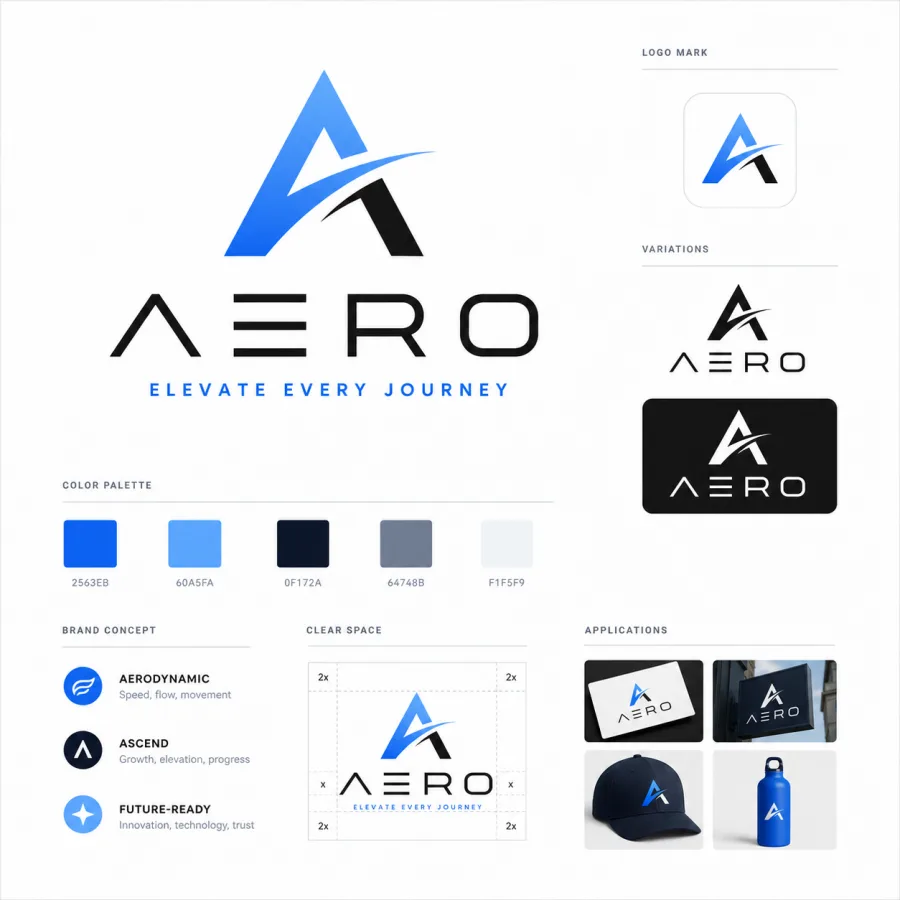
Logo prompt case
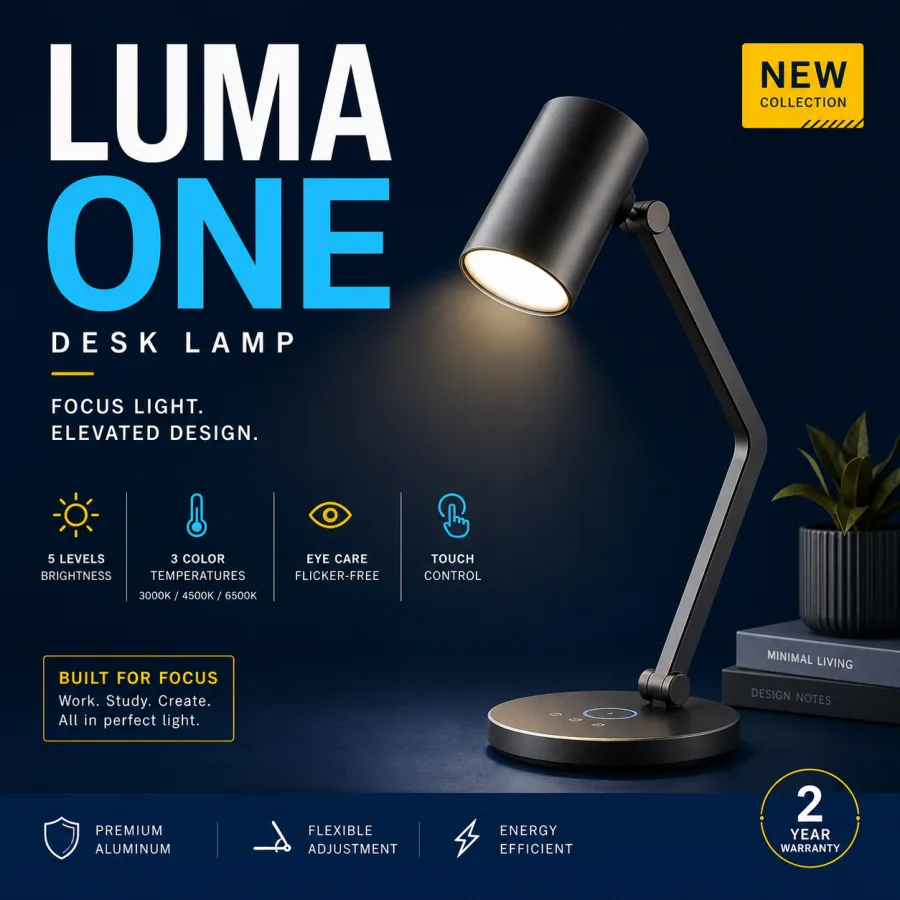
Product poster case
How to Use ideogram4 — JSON Prompt Guide
The core ideogram4 workflow is to move from one broad idea into fields that separate intent, style, text safety, and layout.
Readable Poster
{
  "high_level_description": "A clean launch poster for VISUAL FLOW with bold readable headline text.",
  "aspect_ratio": "3:4",
  "text_safety_rules": {
    "exact_text_only": ["VISUAL FLOW"],
    "no_extra_words": true
  },
  "style_description": {
    "medium": "AI typography poster",
    "aesthetics": "modern editorial layout, crisp typography, high contrast"
  },
  "compositional_deconstruction": {
    "background": "deep navy gradient with subtle grid texture",
    "elements": [
      {
        "type": "text",
        "text": "VISUAL FLOW",
        "bbox": [80, 90, 260, 880],
        "desc": "large readable headline with exact spelling"
      },
      {
        "type": "obj",
        "bbox": [320, 180, 850, 850],
        "desc": "abstract glass object with cyan highlights"
      }
    ]
  }
}
Logo Concept
{
  "high_level_description": "An original logo concept board for a fictional brand named NOVA TYPE.",
  "aspect_ratio": "1:1",
  "style_description": {
    "medium": "logo concept board",
    "aesthetics": "minimal geometric symbol, vector-friendly forms, clean negative space"
  },
  "compositional_deconstruction": {
    "background": "white design board with subtle grid and clean margins",
    "elements": [
      {
        "type": "obj",
        "bbox": [170, 120, 630, 460],
        "desc": "original abstract geometric symbol, not based on existing logos"
      },
      {
        "type": "text",
        "text": "NOVA TYPE",
        "bbox": [300, 520, 520, 880],
        "desc": "sharp uppercase wordmark with exact spelling"
      }
    ]
  }
}
Product Mockup
{
  "high_level_description": "A premium product mockup for a fictional desk lamp named LUMA ONE.",
  "aspect_ratio": "4:3",
  "style_description": {
    "medium": "premium product advertising image",
    "lighting": "dramatic studio light, cyan rim highlight, controlled reflections",
    "aesthetics": "commercial landing page visual, realistic materials"
  },
  "compositional_deconstruction": {
    "background": "dark studio backdrop with subtle gradient and soft reflective floor",
    "elements": [
      {
        "type": "obj",
        "bbox": [170, 520, 820, 900],
        "desc": "modern fictional desk lamp, matte black body, realistic shadow"
      },
      {
        "type": "text",
        "text": "LUMA ONE",
        "bbox": [180, 90, 340, 440],
        "desc": "large clean product name with exact spelling"
      }
    ]
  }
}
ideogram4 JSON field meanings
The overall visual goal in one clear sentence.
The image shape: 1:1, 3:4, 4:3, 16:9.
Medium, lighting, aesthetics, color palette, and mood.
Background plus each text/object element in the scene.
Exact words that should appear in the image.
A rough placement box for important text or objects.
ideogram4 prompt checklist
ideogram4 Prompt Examples & Templates
Use these ideogram4 template directions as starting points, then open the prompt library or generator for actual production.
Editorial profile portrait
One giant readable title
Fictional wordmark board
Editorial concept illustration
Commercial mockup ad
Exact chest print
FAQ
Quick answers for users comparing ideogram4, JSON prompts, API use, and supported styles.
Is ideogram4 free?
What's the difference between ideogram4 and Ideogram 3.0?
How to write ideogram4 JSON prompts?
Can I use ideogram4 via API?
What image styles does ideogram4 support?
Browse prompt examples, then generate images inside the same MkFast app shell.